

The sitemap.xml file can be created even without this module. This module is designed to display a sitemap directly on the website for customers, including links, tags, and backlinks. It therefore serves as an addition to the "standard sitemap."
Sitemap Module
The sitemap module allows you to list menu items, categories, and objects by section. The module can be used multiple times on a single page, enabling you to integrate it into your design in various ways. It can be utilized within both main menu content and footer menu content.
Keywords
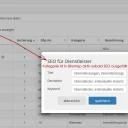
Under "DISPLAY" (ANZEIGEN), you can enter keywords for each category. These will appear as title tags for the links in the sitemap and will also be included on the category page alongside the title, description, and keywords.
Displaying Categories
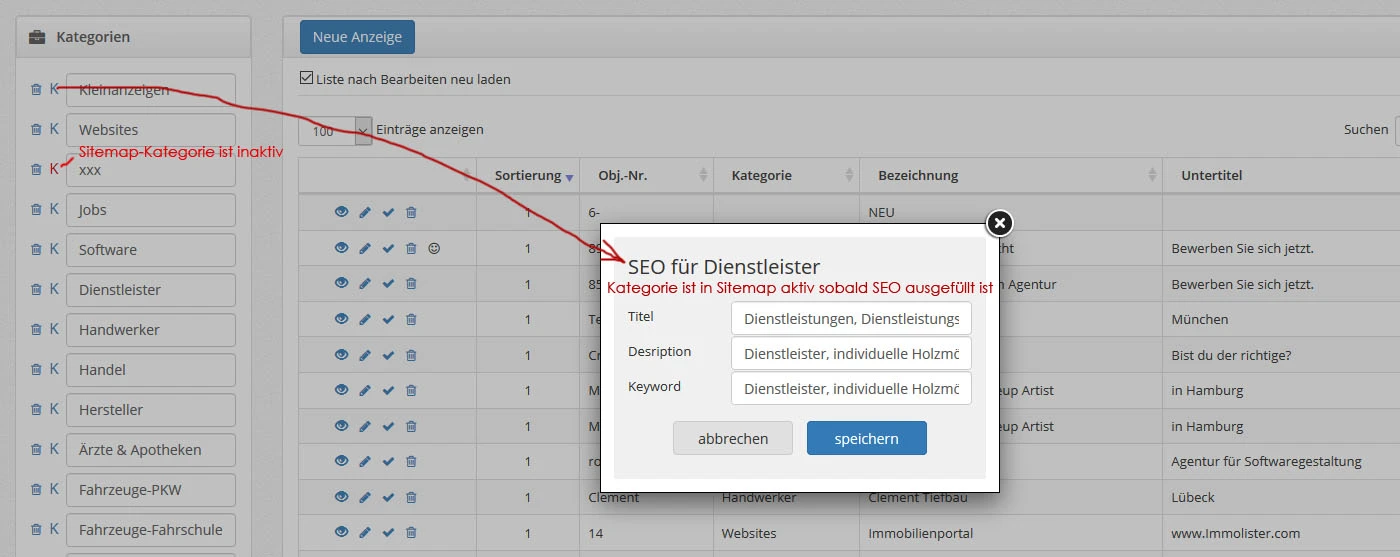
In the sitemap section, check the "Categories" box to display all categories for which SEO information has been provided. Categories with missing SEO data are marked with a red "K."
For example, if you intentionally wish to exclude a category from the list, simply leave the keyword field empty.
Objects & Menu Items
Furthermore, you can include all menu items, the footer, and even all objects in the sitemap.
System Requirements
RoyalArt® website design software
Legal Information Obligations
The developer of this module/functionality is RoyalArt®. Agency
Brand: Flow® Shop Software
Contact: RoyalArt® Agency, Edelsteinstr. 17, 23566 Lübeck, royalart.de, Tel. 0451-38944369