




Object Module (also referred to as the Blog Module)
This module allows you to use your Flow® shop software as a simple corporate website. In addition to standard products, you can create "objects"—items (featuring a gallery) that do not include a price, delivery time, VAT, or an "Add to Cart" button.
Blog, Recipes, References, Services
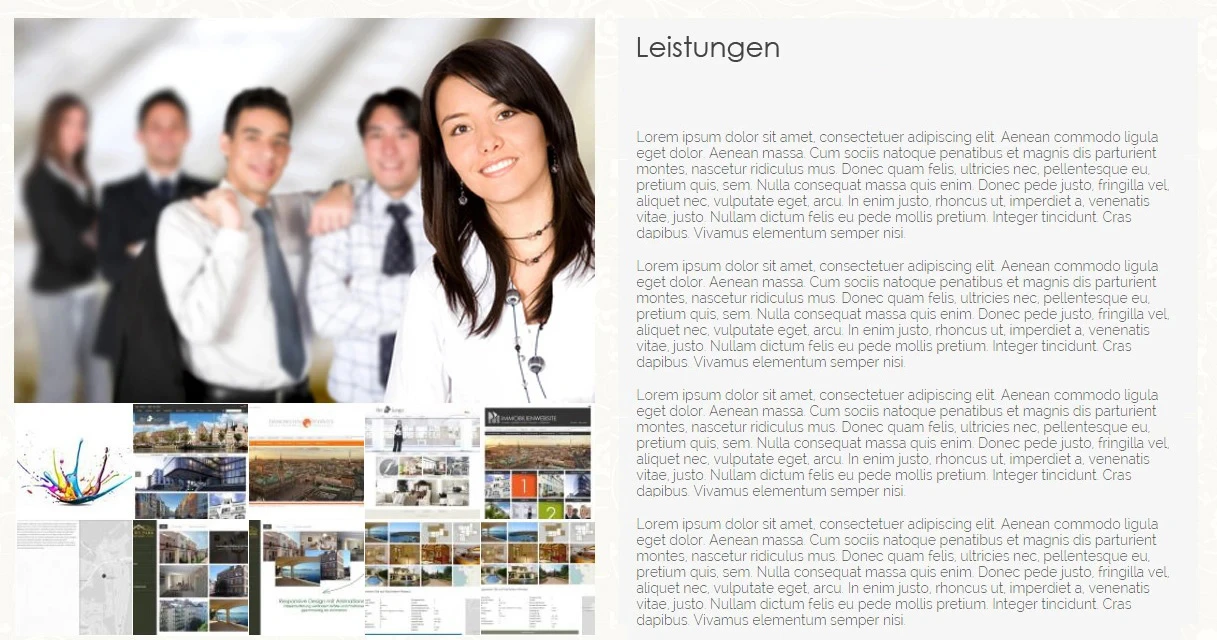
You can use these objects—consisting of an image gallery and text—to showcase content such as services or references that are not available for direct purchase. There are two layout options available for these objects (single-column or two-column text).
Shop Functions Can Be Disabled
Furthermore, you can utilize the shop software exclusively as an object-based corporate website. If desired, it is even possible to completely disable features such as the shopping cart, wish list, and cancellation/return processes.
In other words, you can operate the shop software entirely as a corporate website—or, alternatively, combine both a shop and a website within a single Flow® installation!
Inquiry Button (see 3rd screenshot)
The inquiry button can be used either alongside or independently of the "Add to Cart" button. This means you can create "items" that do not feature an "Add to Cart" button at all. Please note: The inquiry button is enabled or disabled globally; if activated, a "Question about this product?" button will appear on every product and every object. Clicking this button opens the email program set as the default on your computer.
System Requirements
- Flow® shop software, version EASY25 or higher
Legal Information Requirements
The developer of this module/functionality is RoyalArt® Agency.
Brand: Flow® Shop Software
Contact: RoyalArt® Agency, Edelsteinstr. 17, 23566 Lübeck, royalart.de, Tel. +49 451 38944369