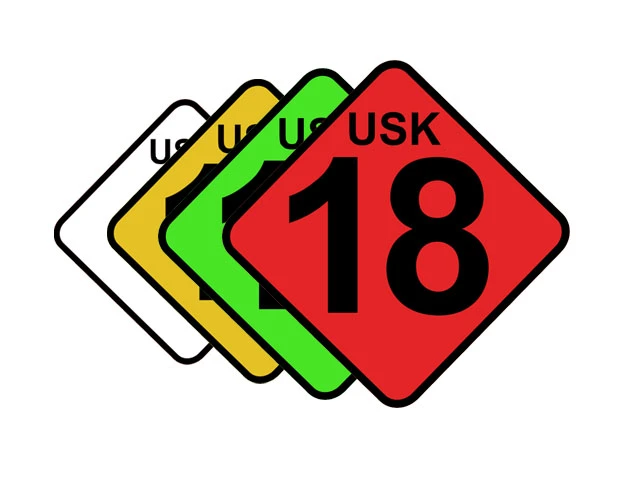
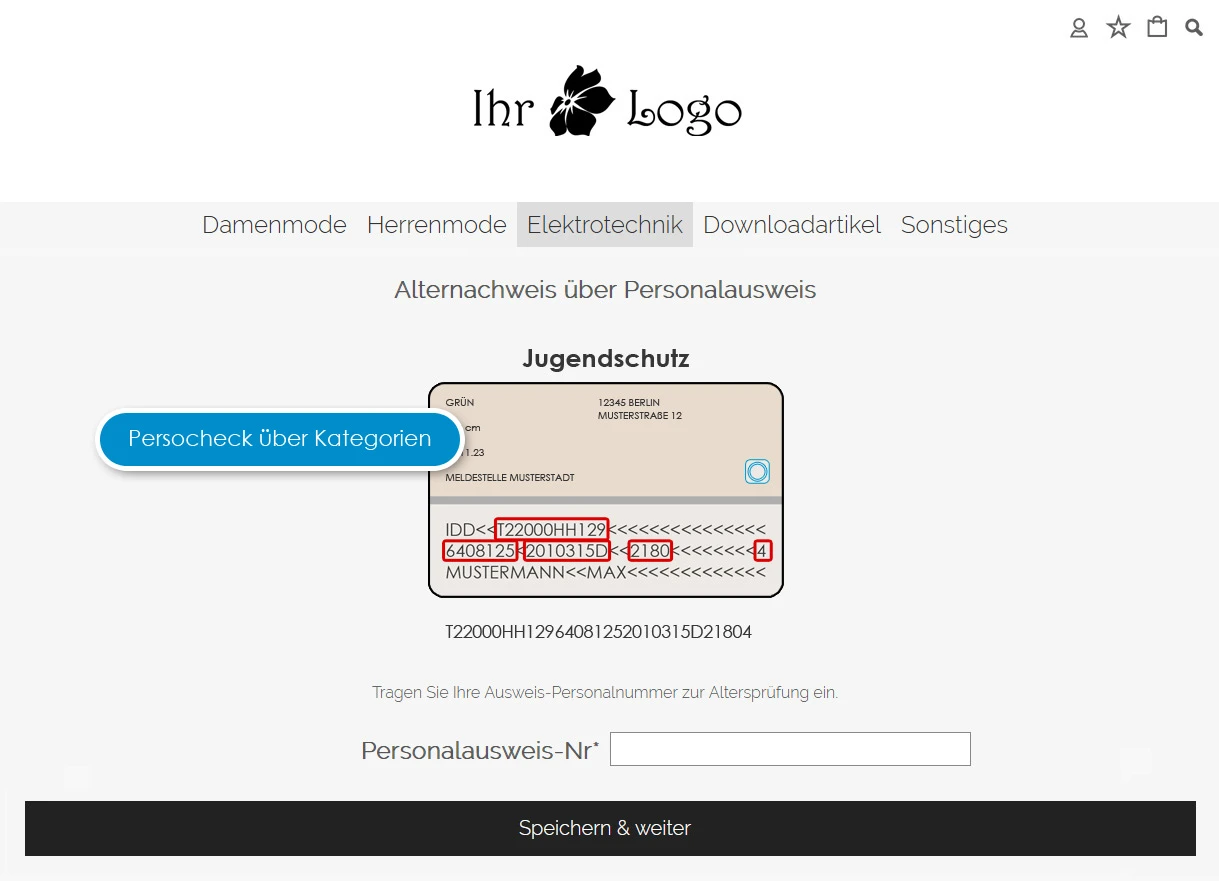


The new Youth Protection Act, in effect since April 1, 2016, requires that items subject to youth protection regulations must be protected by an age verification check when sold online. Such a module is included as a standard feature in the full versions (PRO and EXTENDED). There are two ways to implement age verification using the Flow® shop software:
Option 1 – Protecting Categories
With this option, items within a protected category are only visible after an age verification check has been completed. In the "Categories" section of the admin menu, select the setting: "Age verification via categories."
This means that an age check must be performed for the category, after which the items within that category become visible. Once a customer has completed the check, it is recorded in their browser. This allows you to apply youth protection measures to specific categories while leaving others unrestricted.
Option 2 – Items/Shopping Cart
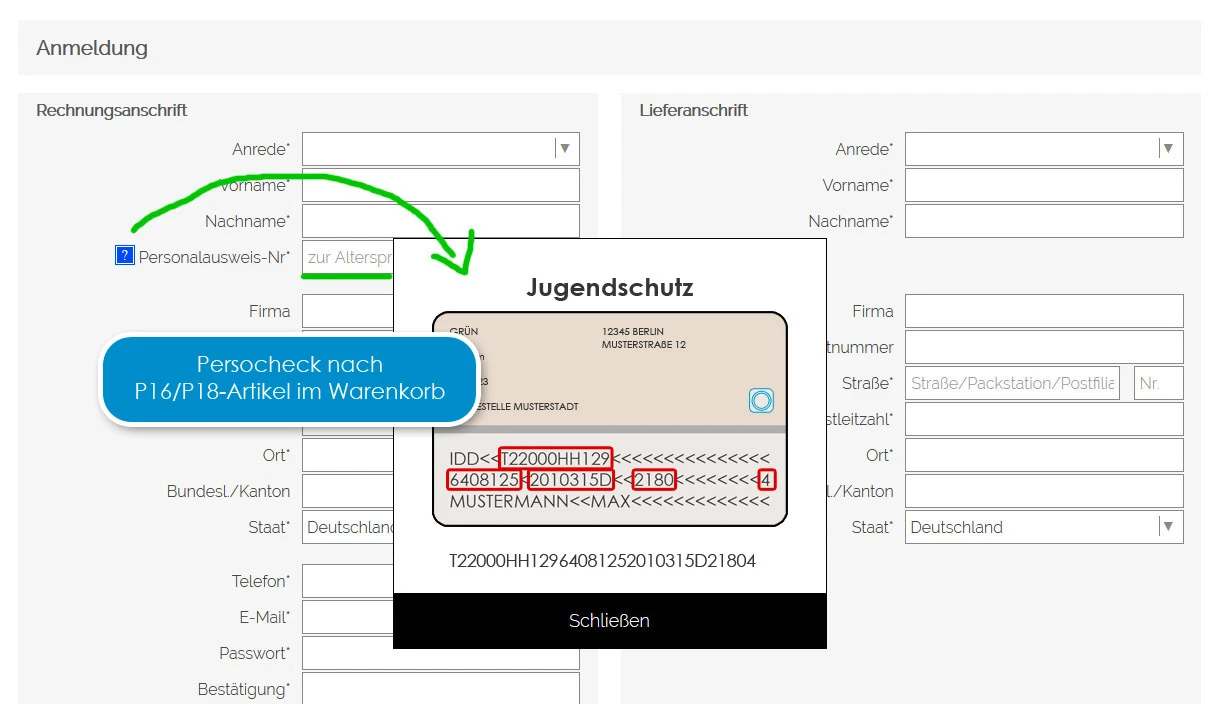
Items remain visible at all times, but users are required to complete an age verification check during the checkout process (upon login/registration). In the "Categories" section of the admin menu, select the setting: "Age verification at checkout/login."
"Disabling" the Module
If you wish to "disable" the module, select the "via categories" option but do not enable it for any specific category; this ensures that no age verification check is performed anywhere in the shop.
System Requirements:
Requirement: PRO or EXTENDED version.
For newly purchased Flow® shop software (PRO & EXTENDED versions), this module is currently included as part of a special offer (at no extra cost – i.e., 0.00). If you do not yet have the module, it can be added for just 49.00.
--
Alternative: Popup Module
An introductory page (see product image) featuring an age-verification notice (e.g., P18/P16—or an image/graphic of your choice) that prompts the user before they can enter the website.
-> Popup Module
Contact us: CONTACT